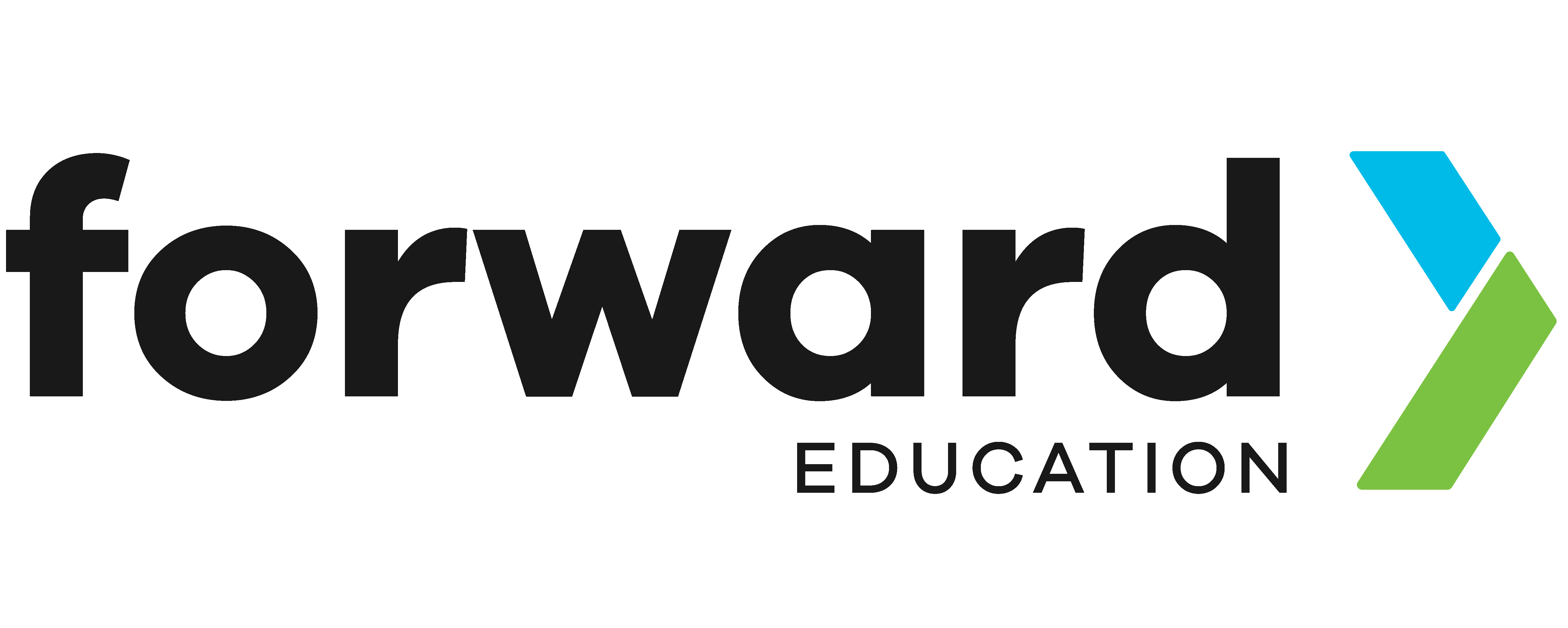
pH Probe
The pH probe is a component in the Hydroponics Kit. It measures the pH of water used to grow plants, and can attach to Forward Education’s building blocks.
Calibrate pH Probe
When calibrating your pH probe, use a 7.0 solution, then take a second pH calibration reading.
Follow the steps below to take a high-quality reading.
- Pour enough calibration solution into a small container to cover the probe tip
- Unscrew the storage tip from the pH probe & gently wipe off the tip
- Submerge the probe into the sample and swirl it in the solution
- Allow the simulator reading to stabilize
- Record the number
- Remove the probe from the solution and rinse it off
- Add the cap back onto the probe, filled with a 4.0 solution, or salt water
Once you have collected your pH samples, enter the numbers in the “measures” field of the calibrate pH block.

Storing pH Probe
- Store your pH probe in a solution at pH 4.0 or in salt water.
- Store at room temperature or slightly cool, out of direct sun and heat.
- Rinse your pH probe after collecting a sample.
- If stored dry for extended periods, the probe risks cracking, and pH readings may no longer be accurate.
MakeCode Extension
Each time you use this component, you’ll need to add the extension to your MakeCode project. Depending on the type of kit you have, you can select one of the following extensions:

Create a new MakeCode File, and select the Extensions drawer from the toolbar.
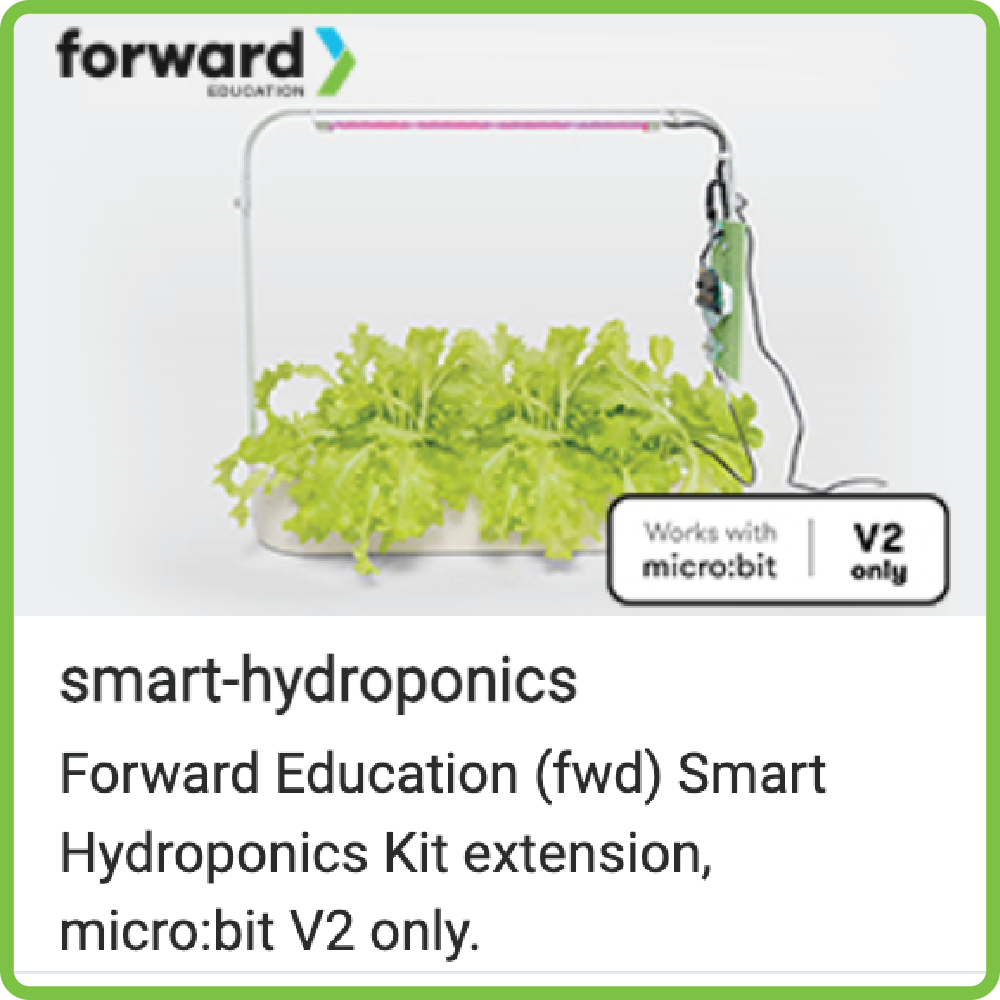
Search for smart-hydroponics by Forward Education, and add it to your project.
Sensors

From the toolbar, select the Sensors drawer, and scroll to the pH category.
The blocks within this category are used to code pH input on the pH probe.
Calibrate pH
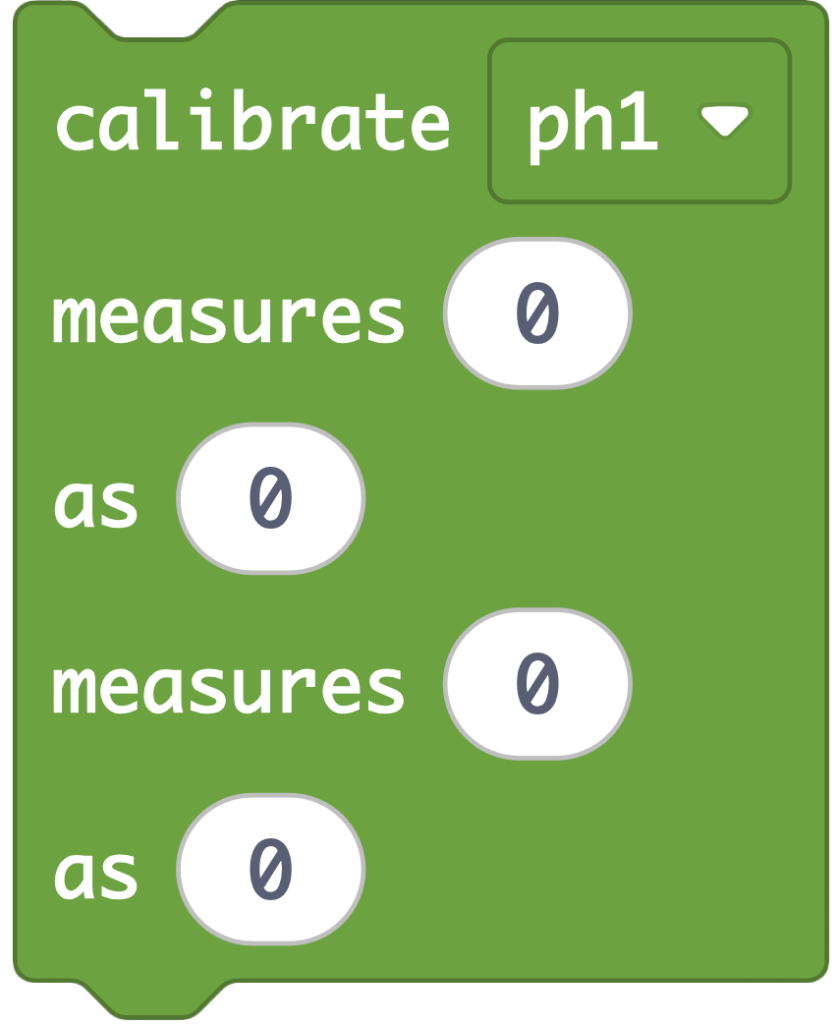
A calibration block, which uses two pH tests to calibrate the pH of the item being tested.
This block is recommended for use in an onStart or on button press event, and should be calibrated each time you begin a new project or lesson.
We recommend using a pH calibration solution at 7.0. followed by 4.0 in the “measures” field.
pH is Over/Under Value

A Boolean block, which returns true or false compared to the selected value.
Click the dropdown “over” to select “under”.
Over
- True: The pH is greater than the selected value.
- False: The pH is less than the selected input value.
Under
- True: The pH is less than the selected input value.
- False: The pH is greater than the selected value.
pH (pH)

A reporter block, which returns a numeric value of pH.
Related Content
Feeling Stuck? Explore the Knowledge Base for common questions and troubleshooting tips.